Independent US restaurant owners, chef-operators and small group managers deciding what to keep, reprice, promote or cut at the next menu change.
How it works
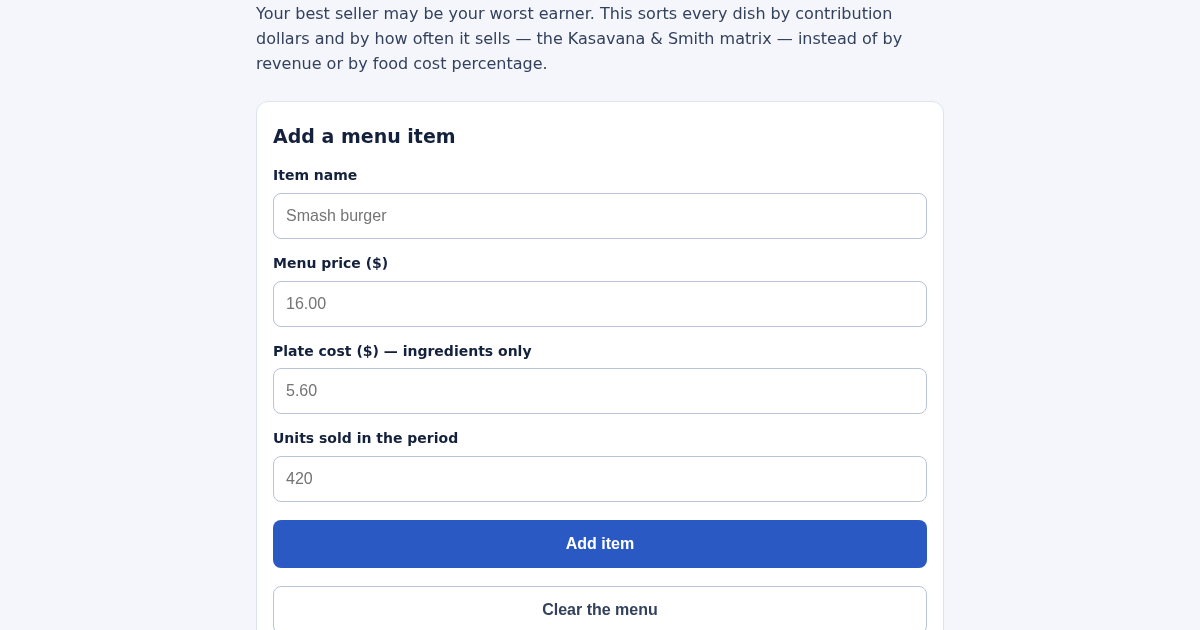
- Enter a dish name, its menu price and its plate cost - ingredients only.
- Enter how many were sold over the period you are reviewing.
- Add the rest of the section, or the whole menu.
- Read the quadrant and the action for each dish, then check which items the plain average would have misfiled.
What you gain
- Sorts every dish on your menu into Star, Plowhorse, Puzzle or Dog based on real profit and popularity, and tells you plainly what to do about each one — instead of a gut feeling about what's 'selling well'.
Screenshot
Technical details
How to set up & use
- Buy the license — your key (lic_...) appears on the order page and in your email.
- Sign in at app.synoriaai.com with your license key.
- No installation — the product runs in your browser, on your own isolated instance.
- Enter each dish's name, price, food cost, and units sold, then click Add.
- Repeat for every dish on your menu; re-entering a name updates that dish instead of adding a duplicate.
- Open the results view to see each dish placed on the Kasavana & Smith matrix (Star, Plowhorse, Puzzle, Dog).
- Review the side-by-side lines: the sales-weighted average contribution margin and the plain average, with any misclassified items called out.
- Read the plain-language action for each quadrant and use the dual rankings (contribution dollars vs. food cost %) to decide what to change.
Frequently asked questions
What data do I need to enter for each dish?
Only the dish name, selling price, food cost (in dollars), and units sold in the period. The tool calculates contribution margin and placement for you.
Does the tool store my menu data anywhere?
Items are saved by name in your browser's local storage so your list persists between visits. No data is sent to a server or shared with third parties.
What does the tool not do?
It does not calculate labor costs, overhead, or total profitability—only contribution margin and food cost percentage. It also does not suggest price changes; it only tells you which quadrant each dish falls into and gives a generic action for that quadrant.
Related products
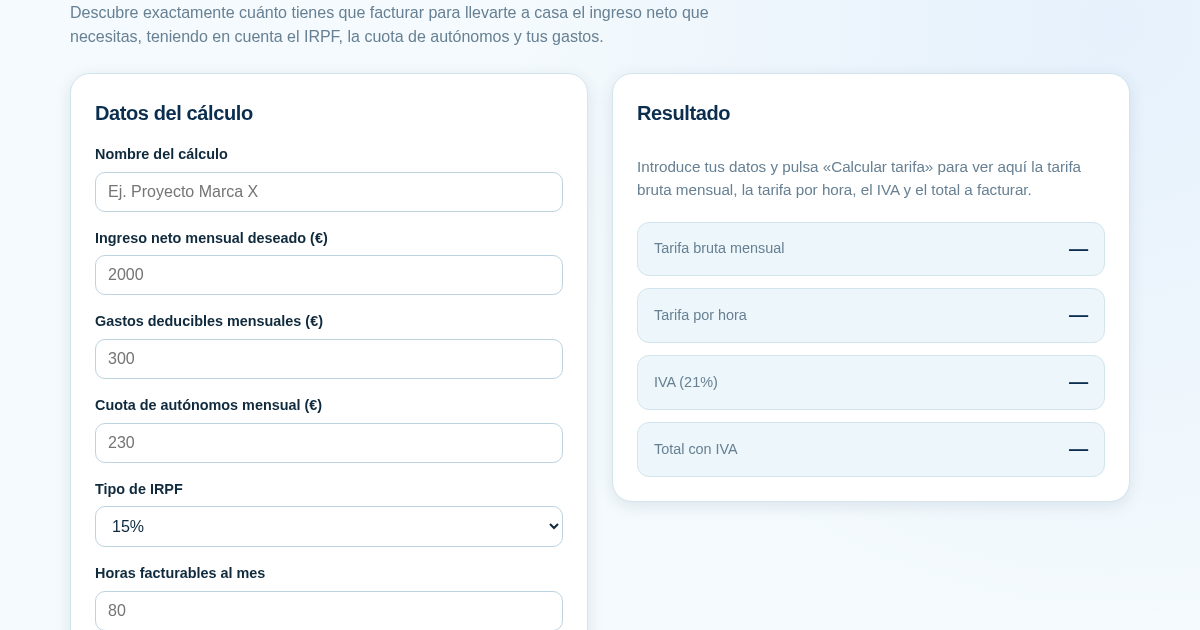
Calculadora de Tarifas para Autónomos
Muchos autónomos fijan sus tarifas sin saber cuánto necesitan facturar realmente para alcanzar el ingreso neto que quieren. Esta calculadora parte del neto mensual deseado y calcula la facturación bruta necesaria…
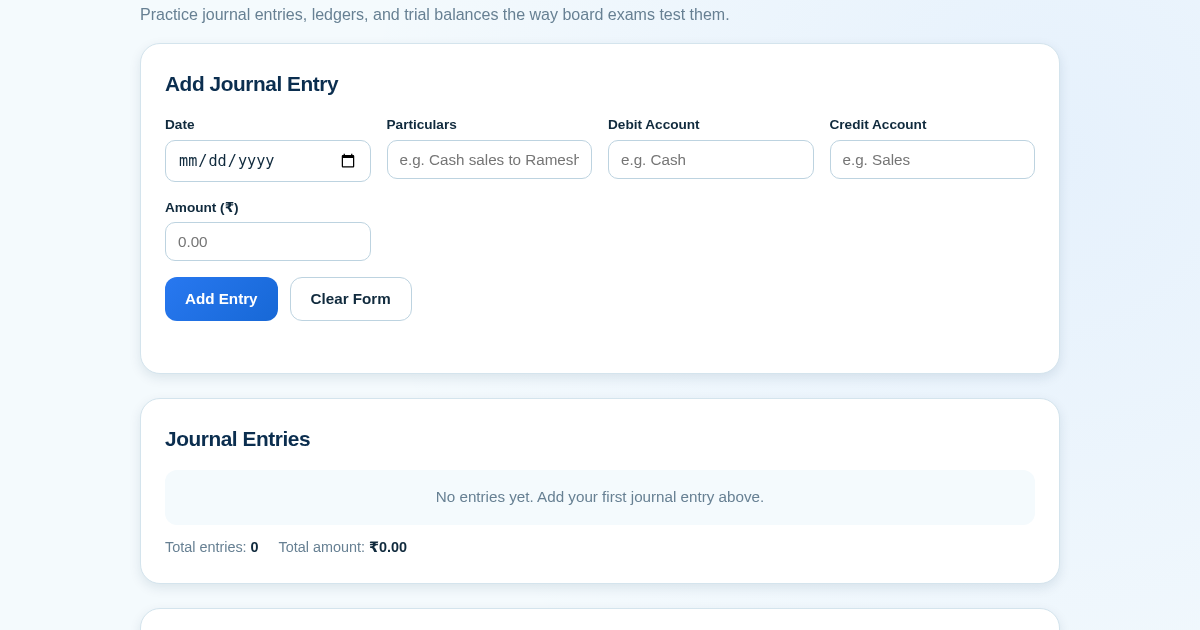
Ledger & Trial Balance Practice Tool
Commerce students in Class 10-12 need to practice journal entries and see how they flow into ledgers, trial balances, and balance sheets for board exams. This tool lets them enter transactions and instantly see the…
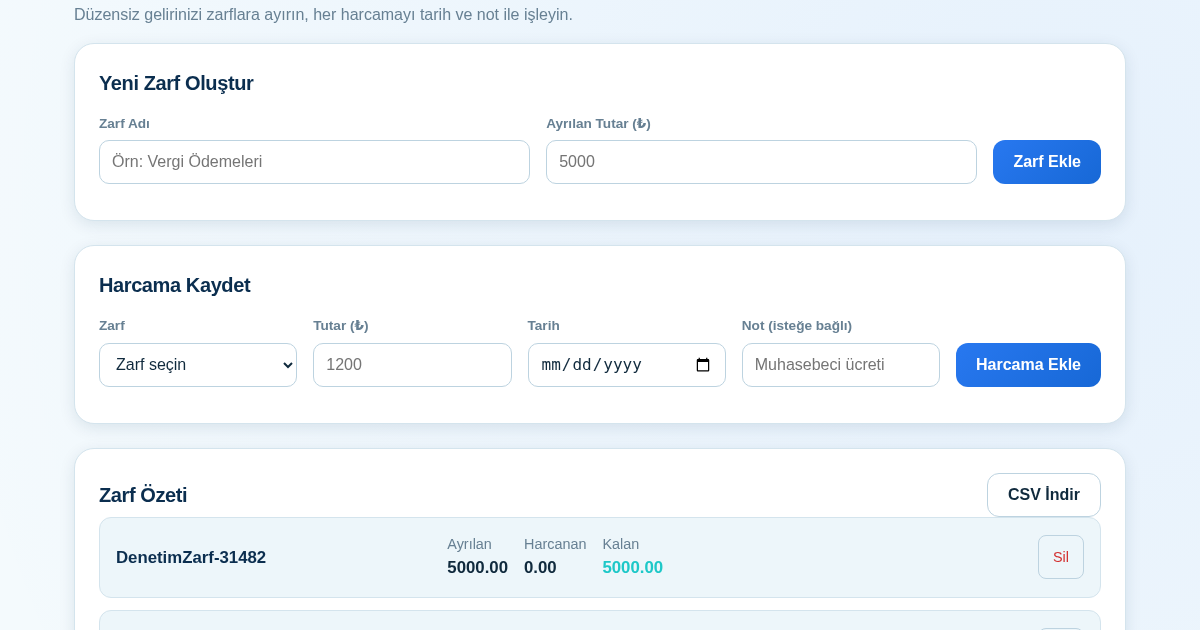
KASA - Serbest Çalışanlar İçin Zarf Bütçesi
Serbest çalışanlar düzensiz gelirlerini vergi, kira ve yaşam giderleri gibi zarflara bölerek bütçelerini düzenli tutabilir. Her harcamayı tarih ve not ile ilgili zarfa işleyerek ne kadar ayırdığını ve ne kadar…
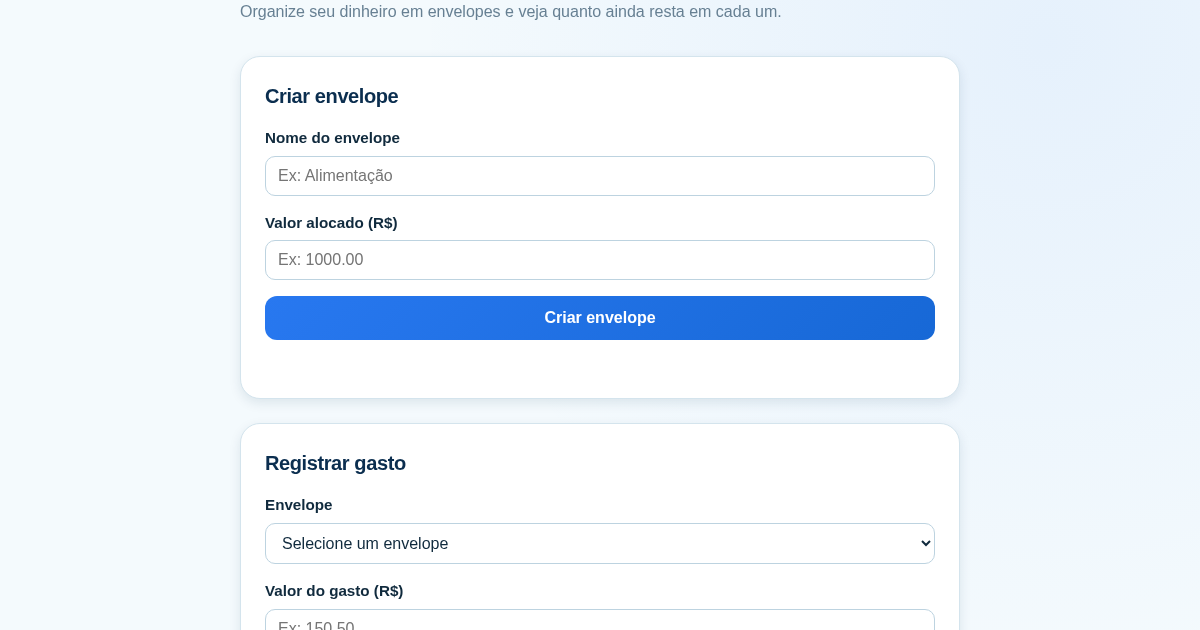
Calculadora de Orçamento por Envelopes (Pix)
Este aplicativo ajuda brasileiros a organizar seu dinheiro em envelopes de orçamento, como alimentação, transporte e lazer, sem precisar conectar uma conta bancária. Ele resolve o problema de controlar gastos do dia a…